/ Shipped work

Three audiences. Three design languages. One studio.

Every app here reached real users on real devices. Font sizes, touch targets, and interaction patterns are chosen for who is actually holding the phone.
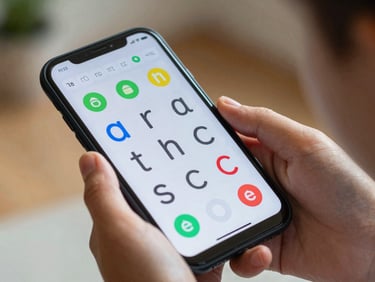
Close-up of a child's hand holding an Android phone in natural indoor light, screen showing a colorful letter-tracing app with large tap targets, tight crop on device and hand
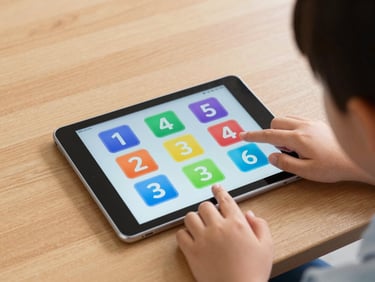
Small child's fingers tapping an Android tablet resting on a wooden table, ambient classroom light, screen displaying a colorful number-sorting game with large icons, tight crop
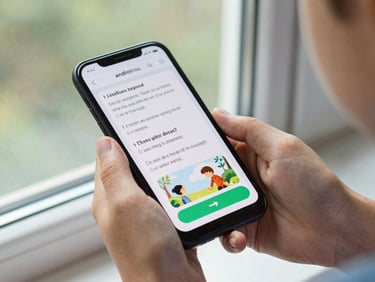
Child's hand holding a small Android phone near a window, screen showing a storybook reading app with large illustrated text and a single large next-page button, natural light, tight device crop
— Ages 4 – 10

Built for younger hands and shorter attention spans

LetterPath

CountSort

StoryStep

A handwriting practice app with oversized touch targets and immediate visual feedback. Ships on Android 8+. Used in 40+ classrooms.

Numeracy game designed around drag-and-drop gestures a five-year-old can execute reliably. Tested with 120 children before launch.

Interactive reading app with one-action-per-screen navigation. Font sizes and contrast ratios meet WCAG AA at every step of the reading flow.
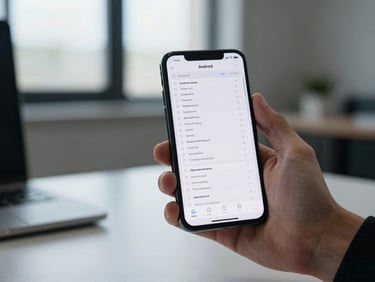
Adult hand holding an Android phone at a standing desk, ambient office window light, screen showing a task-list app with dense information hierarchy and compact rows, tight crop on hand and screen
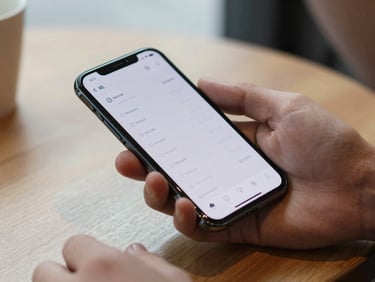
Professional's hand gripping an Android phone on a café table, natural diffused light, screen displaying a time-tracking app with minimal chrome and clear numeric readout, tight crop
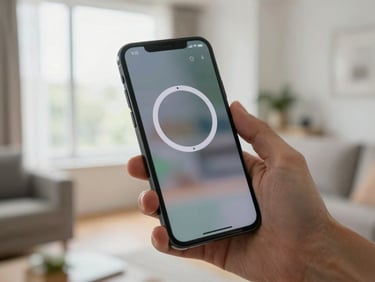
Adult hand holding an Android phone in a bright living room, natural window light, screen showing a focus-timer app with a single large countdown circle and muted background, tight crop on screen
— Ages 25 – 55

Designed for people moving fast through their day

Runsheet

Clockframe

Interval

A task manager built around one-handed operation. Swipe gestures replace menus; the critical action is always reachable with the right thumb.

Time-tracking for freelancers who bill by the hour. Start, pause, and log in two taps. Exports to CSV without requiring a subscription.

Focus-session timer with no social layer and no notifications during blocks. Tested with 80 knowledge workers over a four-week period.
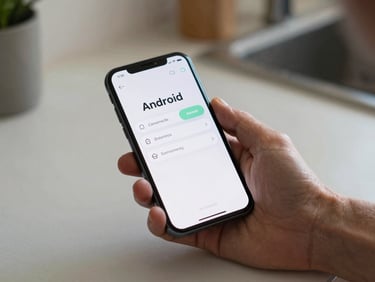
Senior's hand holding an Android phone at a kitchen table, soft ambient morning light, screen showing a medication-reminder app with large text, high contrast buttons, and simple single-column layout, tight crop
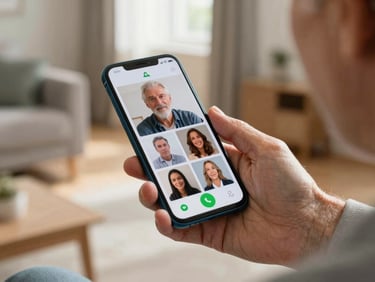
Elderly hand holding an Android phone in a sunlit living room, screen showing a video-call app with a single large green answer button and large contact photo thumbnails, close crop on device and hand
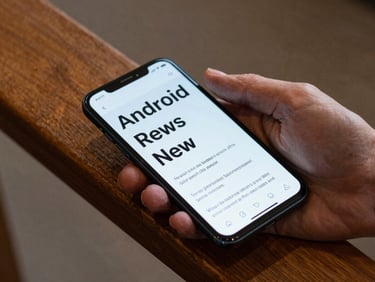
Senior's hand resting on an Android phone on a wooden armrest, soft indoor ambient light, screen showing a news-reader app with extra-large sans-serif headlines and generous line spacing, tight crop
— Ages 65 and up

Clarity over cleverness, every screen

DoseAlert

NearCall

LargeRead

News reader with system-font scaling respected at every breakpoint. Text reflows correctly from 100% to 200% system display size without layout breakage.

Medication reminder with 24pt minimum body text and haptic confirmation on every action. Designed with input from users aged 68 to 84.

Video calling stripped to one screen. No settings buried in menus, no account required. Connects in three taps or fewer from cold launch.

Have a user group in mind? Let's talk.

We take on custom Android projects where the audience is specific and the design requirements are real. No templates, no guesswork.